 Hykilpikonna
lisho
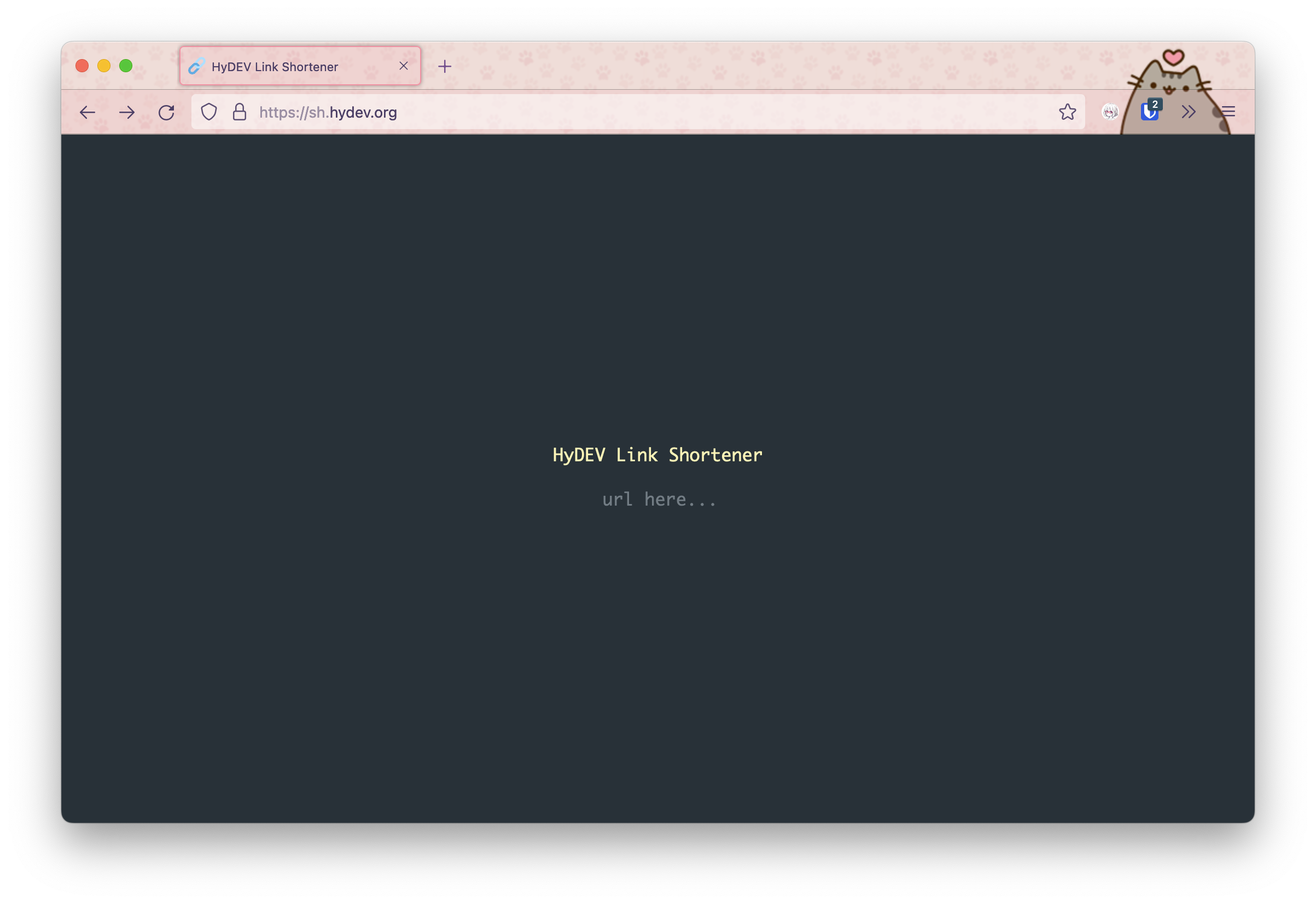
Minimalistic link shortener
Inspiration
This project is inspired by w4/bin, which is a similarly minimalistic pastebin. (Which I also hosted on bin.hydev.org)
Demo
The online demo is hosted on sh.hydev.org.
Self-Host
- Create a google safebrowsing API key (this is free!)
- Install docker
- Write the following in
docker-compose.yml
# docker-compose.yml
version: '3.3'
services:
  lisho:
    container_name: lisho
    restart: always
    ports:
      - 'YOUR PORT HERE:8000'
    image: hykilpikonna/lisho:latest
    environment:
      - GOOGLE_API_KEY="YOUR KEY HERE"
    build: .
docker-compose up -d lisho && docker-compose logs -f lisho
Self-Host under NGINX
- Write an NGINX config file and put it in
/etc/nginx/conf.d:
# lisho.conf
server
{
    listen 443 ssl;
    listen [::]:443 ssl;
    server_name YOUR.SUBDOMAIN.HERE;

    location ^~ /
    {
        proxy_set_header Host $host;
        proxy_set_header X-Real-IP $remote_addr;
        proxy_set_header X-Forwarded-Proto https;
        proxy_set_header X-Forwarded-For $proxy_add_x_forwarded_for;

        proxy_pass http://localhost:YOUR PORT HERE/;
        proxy_redirect off;
    }
}

# Redirect HTTP to HTTPS for all servers.
server
{
    listen 80 default_server;
    listen [::]:80 default_server;
    server_name default;
    return 301 https://$host$request_uri;
}
- Sign a SSL certificate with
certbot(free)